
Free Receipt Generator — Create and Download Receipts
Create professional receipts online for free. Choose from 130+ templates, customize your business and transaction details, then download your receipt as PDF, PNG or JPEG, print it, or share it through WhatsApp. No account or software installation required.
Receipt Maker
✓ Free ✓ No watermark ✓ No account needed
Receipt Style
Business Info
Receipt Info
Customer Info
Rent Details
Donation Details
Table Details
Food Truck Details
Vehicle Info
On-Site Service Details
Oil Service Details
Detailing Details
Tire Details
Service Details
Tattoo / Piercing Details
Warehouse Club Details
Electronics Details
Resale Details
Order Details
Delivery Details
Move Details
International Shipping Details
Trip Details
Vehicle
Rental Details
Mileage
Fuel
Add-Ons & Charges
Service
Vehicle
Locations
Charges
Rental Details
Stay Details
Charges
Booking Details
Fuel Details
Parking Details
Prescription Details
Clinical Billing Details
Dental Treatment Details
Patient & Visit Details
Therapy Session Details
Laboratory Details
Eye Exam & Prescription
Session Details
Enrollment Details
Online Session Details
Music Lesson Details
Fitness Program Details
Language Class Details
Art Class Details
Home Cleaning Details
Office Cleaning Details
Carpet Cleaning Details
Window Cleaning Details
Laundry Service Details
Property
Job Details
Inclusions
Handover
Site Details
Job Details
Pet Grooming Details
Pet Care Details
Training Session Details
Patient Details
Seller Information
Vehicle Information
Sale Details
Odometer Disclosure Statement
Condition
Notary (optional)
Inspection Details
Closing Details
Sale Reference
Retainer Details
Project Details
Project Details
Content Details
Campaign Details
Matter Details
Financial Advisory Details
Engagement Details
Executive Engagement Details
Report Details
Photo Session Details
Wedding Details
Event Coverage Details
Print Order Details
Commercial Shoot Details
Device & Repair Details
Phone Repair Details
Appliance & Repair Details
HVAC System Details
Plumbing Job Details
Job Details
Job Details
Wedding Event Details
Corporate Event Details
Party Details
Catering Details
Venue Booking Details
Child & Care Details
Nanny Service Details
Babysitting Details
After School Details
Enrollment Details
Line Items
Service Charge
Tip / Gratuity
Labor / Services
Charges & Taxes
Notes & Footer
Your receipt is ready!
Get free receipt tips, templates and updates — enter your email to download instantly. We never spam.
Why Use SimpleReceiptMaker?
🧾 130+ Templates — Industry-specific designs for retail, restaurants, services & more
💱 64+ Currencies — Automatically selects a currency based on your location, with manual selection available.
📤 Multiple Export & Sharing Options — Download as PDF, PNG or JPEG, print directly, or share through WhatsApp.
💬 Easy Sharing — Send receipts through WhatsApp or email.
🔒 Privacy-Focused — Receipt data is processed locally in your browser and is not stored on our servers. No account or login is required.
How to Use Our Receipt Maker
Step-1: Choose Your Receipt Template
Browse 130+ receipt templates for retail, restaurants, mechanics, rent, donations and more. Choose the template that best matches your transaction or business type.
Step-2: Add Your Business Information
Enter the business details you want to include, such as your business name, logo, address, phone number, email and website.
Step-3: Fill in Receipt Details
Add the receipt number, date, payment method and customer information. Choose from available payment methods such as cash, card, bank transfer or mobile payment.
Step-4: Add Items and Pricing
List your products or services with quantities and prices. Enter any applicable tax rate, such as VAT, GST or sales tax, add discounts, and the tool automatically calculates your subtotal and grand total instantly.
Step-5: Download, Print or Share
Export your finished receipt as PDF, PNG or JPEG. Print it, send it by email, or share it through WhatsApp. No account is required.
What Is a Receipt Generator?
A receipt generator is an online tool that turns transaction details into a clean, professional receipt without design skills or accounting software. You enter your business name, the items or services, the amounts, the tax rate and the payment method, and it formats everything into a document ready to download, print or send. A receipt maker is the same thing as receipt generator; the two names are used interchangeably.
The advantage over a Word or Excel template is arithmetic: Unlike a basic Word or Excel template, the receipt maker automatically calculates subtotals, taxes and totals, reducing manual calculation errors. Unlike full accounting software, the tool focuses specifically on creating receipts and is free to use. No subscription or account is required.
Whether you need a cash receipt, a rent receipt, a donation receipt or a general payment receipt, the same tool handles all of them; you just pick the template that matches your requirement.
Why Choose Our Receipt Generator?
- 130+ Professional Receipt Templates — choose from restaurant, rent, retail, mechanic, cleaning, photography receipts and many more, all fully customizable to match your business
- Free to Use — No account, subscription or hidden fee is required.
- Works Across Devices — Create receipts on desktop computers, laptops, tablets and smartphones using a modern web browser.
- Add Your Complete Business Information — include your business name, logo, address, phone and email so every receipt looks professional and branded
- Detailed Transaction Information — add itemized products or services, quantities, unit prices and let the receipt maker auto-calculate subtotals and totals
- 64+ Currencies — Select a currency manually or use automatic currency selection based on your location.
- Add Barcode or QR code — Our receipt generator includes barcode generation. Add barcodes to your receipts for a more professional appearance.
- Multiple Line Items — add multiple products or services with individual pricing, descriptions and quantities on every receipt.
- Tax & Discount Calculations — Enter applicable VAT, GST, sales tax or a custom tax rate, and the tool calculates the amount automatically.
- Full Customization Options — change colors, fonts, add your logo, include QR codes or barcodes, and adjust any field to match your exact needs
- Download as PDF, PNG or JPEG — print your receipt, email it directly to your customer, or share it instantly — all from inside the receipt maker.
- Local Receipt Storage — Saved receipts remain in your browser and are not stored in a SimpleReceiptMaker account or database.
Who Uses Our Receipt Maker?
- Small business owners use the receipt maker to create professional receipts for cash sales, services and products
- Freelancers and consultants use the receipt maker to send payment confirmation receipts to clients
- Landlords use the receipt maker to create rent receipts for tenants quickly and easily
- Restaurant and café owners use the receipt maker to generate table bills and take-away receipts
- Mechanics and repair shops use the receipt maker for job completion receipts with parts and labor
Choose a receipt template based on your business type or transaction.
Receipt Generator Tips & Guides
Stay informed with our latest guides on receipts, invoices, and running your business:
- How to Make a Receipt: The Complete 2026 Guide: Step-by-step guide to creating professional receipts for any business.
- How to Send Receipts to Customers via WhatsApp: The fastest way to deliver receipts directly to your customers.
- Receipt vs Invoice: What’s the Difference?: Understand when to use a receipt and when to send an invoice.
- What Happens if You Get Audited and Don’t Have Receipts?: Why keeping receipts matters and how to stay protected.
- How to Create a Receipt for Freelance Work (The Right Way): Complete guide for self-employed workers.
- How to Fill Out a Rent Receipt: Step-by-step guide and free templates
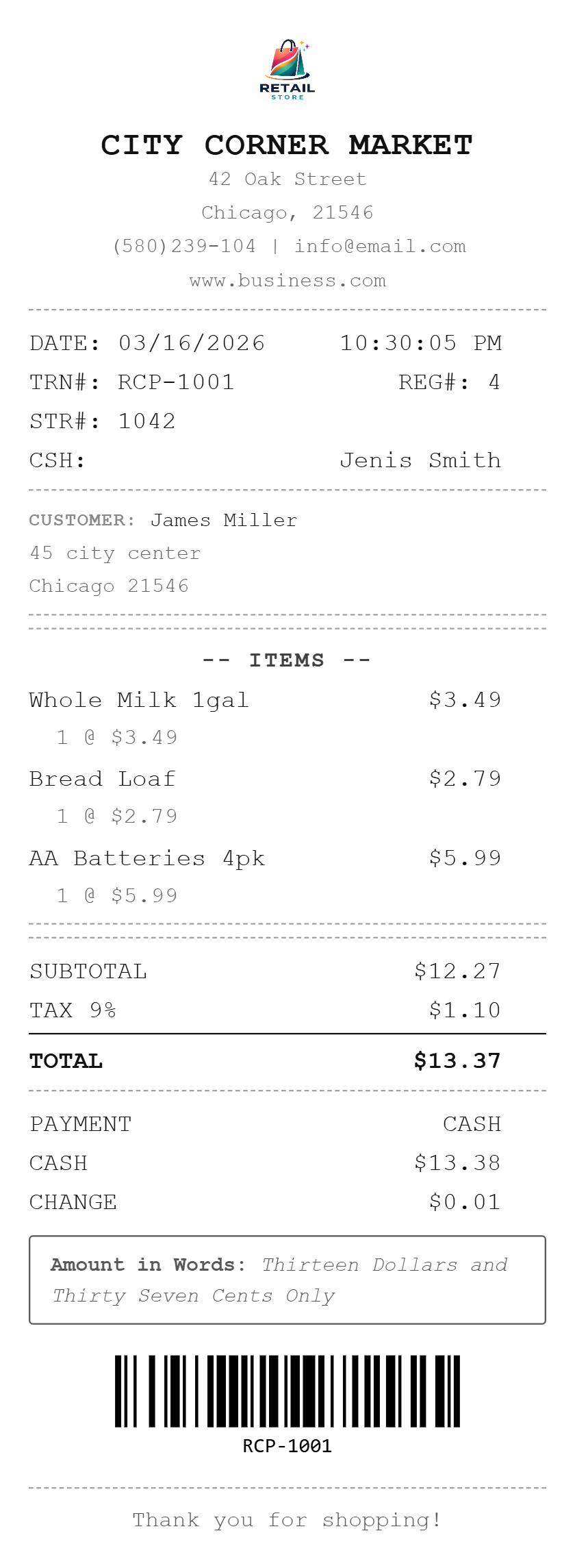
Generate Cash Receipt
Clean, professional design for retail stores and shops
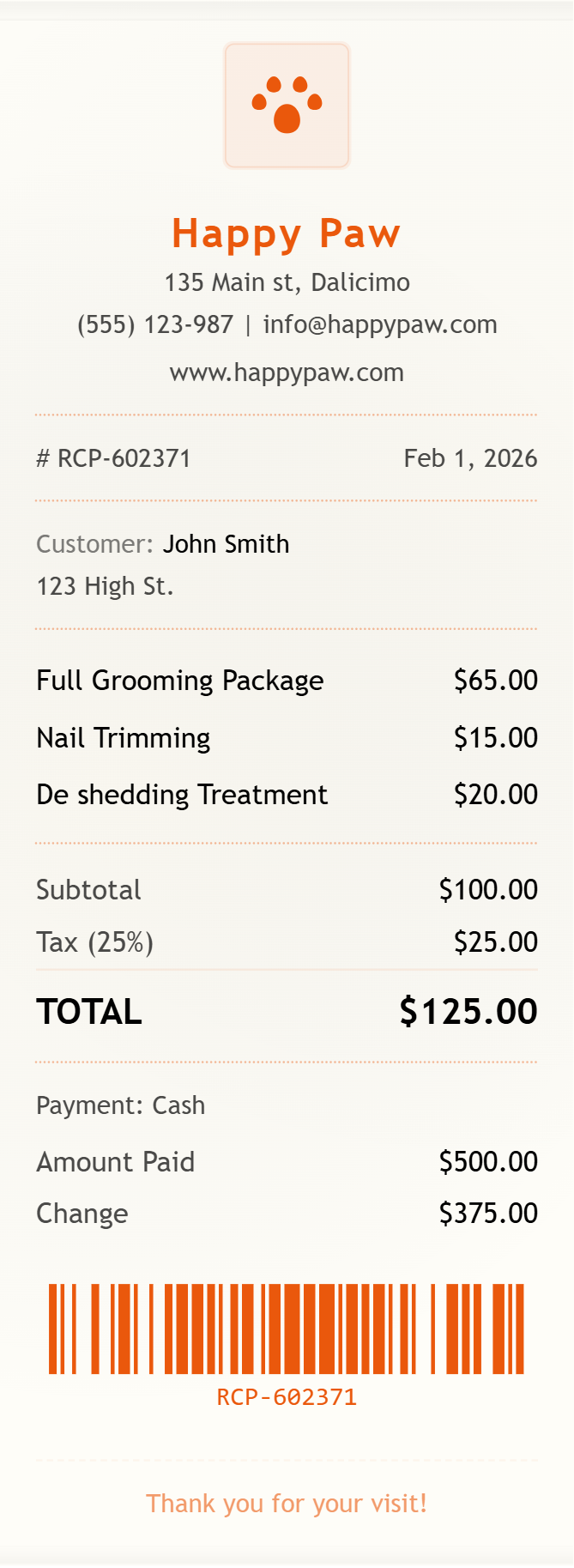
Generate Pet Grooming Receipt
Friendly template for pet care and grooming services
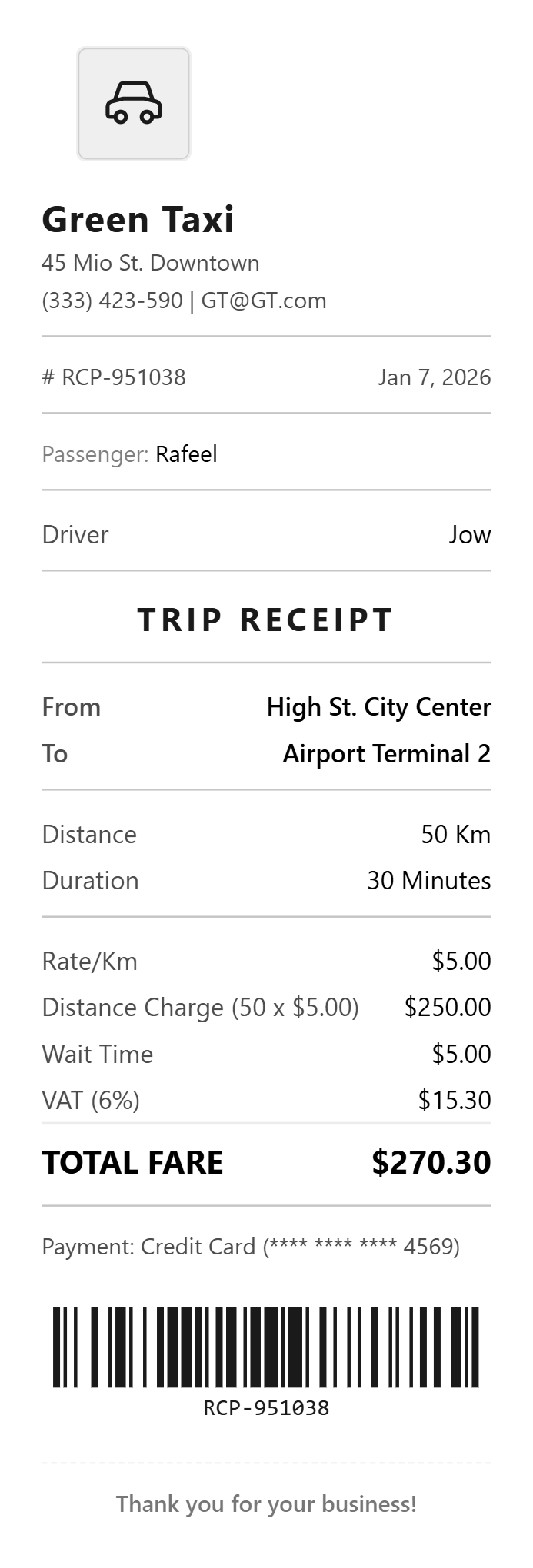
Generate Taxi Receipt
Branded template for drivers and transport businesses
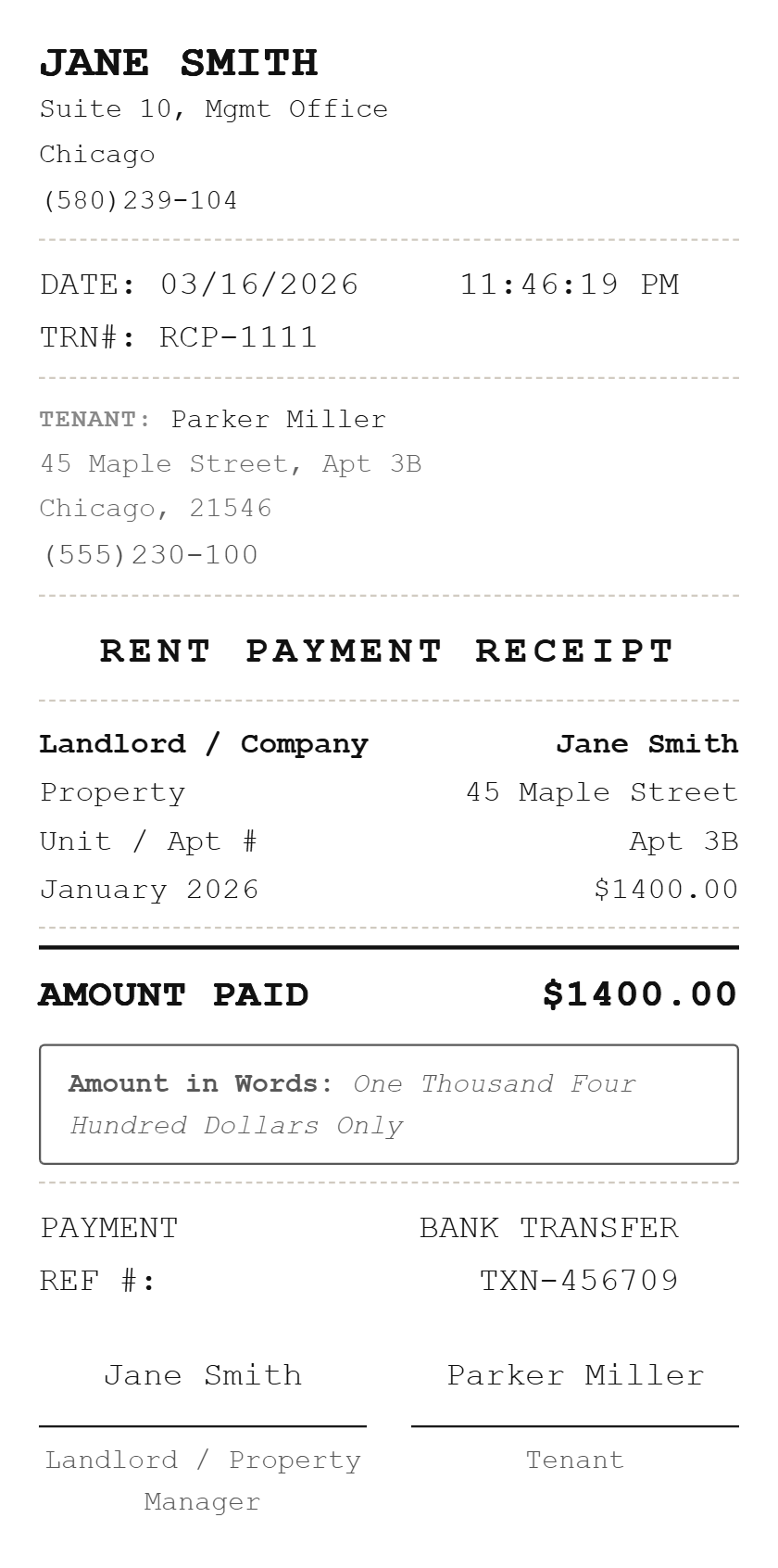
Generate Rent Payment Receipt
Simple, formal rent receipt for landlords and tenants
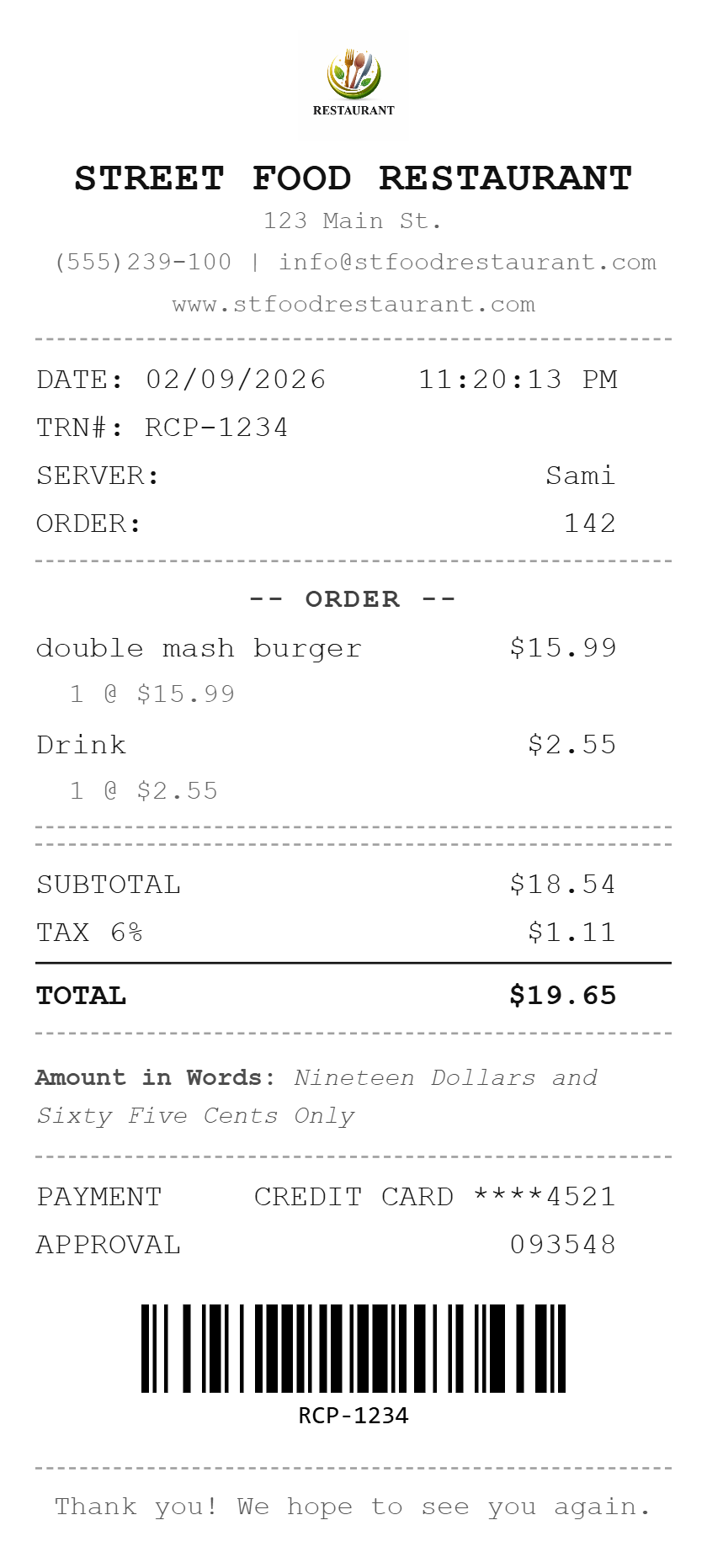
Generate Restaurant Receipt
Coffee shop, fine dining, fast food, food truck and more
Our Popular Receipt Templates
Our Popular Receipt Categories
Explore receipt generators designed for common business and payment scenarios. Click your category to get started instantly:
Frequently Asked Questions About Our Receipt Generator
Q: What is a receipt generator?
A: A receipt generator is an online tool that helps you create professional, customized receipts quickly and easily. It allows you to input business details, items, prices, and payment information to generate receipts suitable for business or personal use.
Q: How do I make a receipt online?
A: Making a receipt online is simple: (1) Choose a receipt template that matches your business type, (2) Enter your business name, logo, and contact information, (3) Add items or services with quantities and prices, (4) Select your payment method (cash, card, etc.), (5) Choose your currency, (6) Download your completed receipt as PDF, PNG or JPEG. Once the details are entered, the receipt can be downloaded immediately.
Q: Can I generate receipts with barcodes?
A: Yes. Our receipt generator includes barcode generation functionality. You can add barcodes to your receipts for a professional appearance.
Q: What industries can use this receipt generator?
A: The generator supports many common business types, including retail, restaurants, services, rentals, transportation, childcare, pet care and freelance work.
Q: Do I need to download any software?
A: No downloads required! SimpleReceiptMaker.com is a web-based application that works entirely in your browser. Simply visit our website, create your receipt, and download the finished PDF or image file.
Q: Can I add my business logo to receipts?
A: Yes, you can easily upload your business logo in PNG, JPG, or SVG format. The logo will appear prominently on your receipts, helping reinforce your brand identity with every transaction.
Q: What file formats can I download from the receipt generator?
A: Receipts can be downloaded in multiple formats including PDF (best for printing and archiving), PNG (ideal for digital sharing) and JPEG. Choose the format that works best for your needs.
Q: Can I create receipts on my mobile phone?
A: Yes. The receipt maker is responsive and can be used on supported smartphones and tablets.
Q: How do I add items to an itemized receipt?
A: Simply click "Add Item" button and enter the product or service name, quantity, and price. You can add as many items as needed. The receipt generator will automatically calculate subtotals, taxes, and the final total.
Q: Can I include tax calculations?
A: Yes. Enter your tax rate (sales tax, VAT, GST, etc.) and our system will automatically calculate the tax amount and add it to your receipt total. You can enter the tax label and rate appropriate for your transaction.
Q: Are the receipts printable?
A: Absolutely! All receipts are designed to be printer-friendly. Download your receipt as a PDF and print it on standard paper or thermal receipt paper. The format is optimized for clear, professional printing.
Q: Can I send receipts directly on WhatsApp?
A: Yes. After creating your receipt, tap the WhatsApp share button and it opens WhatsApp directly with your receipt ready to send. Works on both mobile and desktop. Perfect for freelancers, tutors, home businesses and market sellers who communicate with customers on WhatsApp.
Q: Can I create cash receipts?
A: Absolutely! Our receipt generator supports all payment methods including cash receipts, credit card receipts, debit card receipts, and digital payment receipts. Simply select “Cash” as your payment method when creating your receipt. You can generate cash receipts for many types of transactions including sales, services, rent payments, donations, and more. Our cash receipt generator is perfect for businesses that handle cash transactions.
Q: What can I use this receipt generator for?
A: You can use the receipt generator to document legitimate payments and transactions for your business, freelance work, rentals, services or educational demonstrations. Do not use generated receipts to misrepresent a transaction or create false documentation.
Q: Can I create an invoice with this tool?
A: This page creates receipts, which confirm a payment has been made. If you need to request payment before it arrives, use our free invoice generator. Not sure which you need? Our guide on invoice vs receipt explains the difference in a minute.
Q: Can I add a QR code to my receipt?
A: Yes. Both QR codes and barcodes can be added to any receipt, which is useful if you want receipts to be scannable at a returns desk or to link to an online order.
Q: What currencies does the receipt generator support?
A: The tool supports more than 64 currencies. It can automatically select a currency based on your location, and you can change it manually.